
Your Free Fire account may contain valuable progress, unlocked characters, weapon skins, and purchased items. Losing access to it can be frustrating, especially if you have spent a lot of time building your profile. That is why Free Fire Account Safety 2026 is important for every player, whether you are a beginner or an experienced gamer.
Account theft can happen through fake login pages, suspicious APK downloads, free-diamond scams, and attempts to trick players into sharing passwords or verification codes. Fortunately, a few simple security habits can reduce these risks and help keep your account protected.
In this guide, you will learn how to secure your Free Fire account, recognize common scams, avoid unsafe downloads, and take action if you suspect someone else has accessed your profile.
Why Is Free Fire Account Safety Important in 2026?
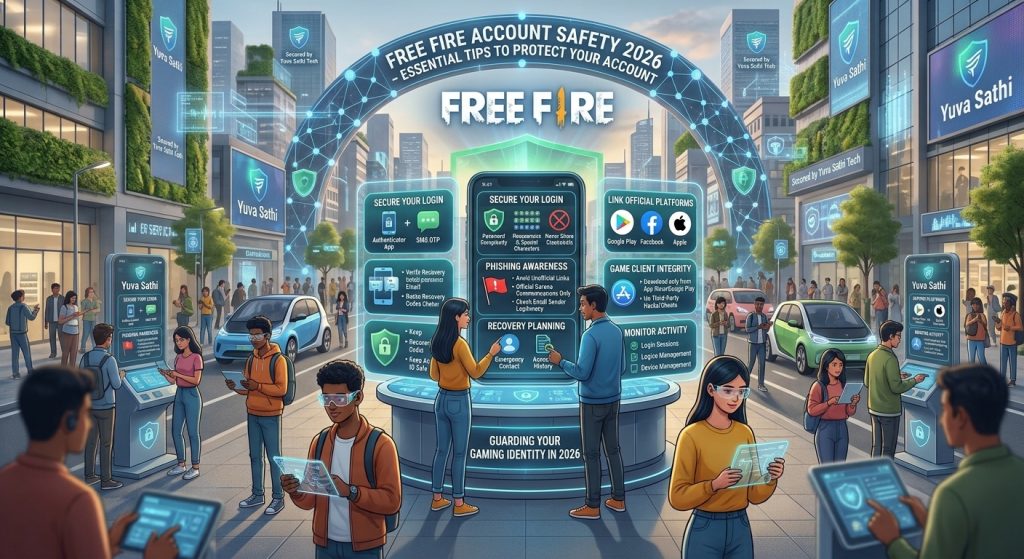
Free Fire players may spend considerable time unlocking rewards, improving their skills, and customizing their accounts. An unsecured account can put this progress at risk.
Good account security helps you:
- Protect your account from unauthorized access.
- Keep your game progress and eligible purchases safer.
- Avoid fake diamond offers and phishing scams.
- Reduce the risk of account restrictions caused by unauthorized tools.
- Improve your chances of recovering access if a problem occurs.
For official game information and announcements, visit the Free Fire official website.
7 Essential Free Fire Account Safety Tips
1. Secure Your Linked Account
Depending on your account setup, Free Fire may allow you to access the game through a supported third-party login provider or another available account method.
Protect the account linked to your game profile by using a strong, unique password. Enable two-factor authentication wherever the linked service supports it.
Avoid sharing your login credentials with friends, online teammates, or people offering account upgrades. Someone who gains access to your linked account may also be able to access your game profile.
2. Never Share Your Password or OTP
Your password and one-time verification codes are private. Someone pretending to be a game administrator, tournament organizer, or customer support agent may ask for these details to take control of your account.
Follow these rules:
- Never share your password or OTP.
- Do not send verification codes through social media messages.
- Avoid entering credentials on unfamiliar websites.
- Do not trust anyone promising to verify your account in exchange for login details.
If you receive an unexpected verification code, do not share it with anyone. Review the security settings of the account linked to Free Fire if you suspect an unauthorized login attempt.
3. Avoid Free Diamond and Reward Scams
Free diamonds, rare skins, and exclusive rewards are common themes in online scams. Some websites promise unlimited diamonds or premium items in exchange for your login information.
Warning signs include:
- Websites asking for your Free Fire password.
- Offers that promise unlimited diamonds through unofficial tools.
- Messages demanding payment to unlock a supposedly guaranteed reward.
- Fake giveaways that require suspicious downloads.
- Social media accounts impersonating official representatives.
Check promotions through official Free Fire channels before participating. Never provide account credentials to an unknown reward website.
4. Download Free Fire From Trusted Sources
Unofficial APK files can expose your device and account to security risks. Modified applications may contain unwanted software or tools that violate the game’s rules.
For safer downloads, use an official or authorized app store available for your device and region. You can also visit the official Free Fire website to find relevant information.
Before installing an APK, consider its source, developer, permissions, and compatibility. Avoid modified versions advertised as unlimited-diamond, anti-ban, or premium-unlocked editions.
For more gaming guides, visit ffapks.org.in, and always verify downloads through trusted sources.
5. Never Use Hacks, Scripts, or Unauthorized Tools
Cheats and unauthorized third-party tools may put your account at risk of suspension or a permanent ban, depending on the violation and applicable game rules.
Avoid tools that claim to provide:
- Automatic aiming or unfair gameplay advantages.
- Unlimited diamonds or currency.
- Modified game files designed to bypass restrictions.
- Unauthorized scripts or exploit-based rewards.
Besides risking your account, these tools may contain malicious software or steal personal information.
Play through legitimate game features and review the official rules before using third-party applications.
6. Protect Your Device and Network
Account safety also depends on the security of your phone, tablet, or computer.
Use a screen lock, keep your operating system updated, and install applications from reputable sources. Remove suspicious applications if you believe they may be unsafe.
When using a shared device, never save your password in a browser that other people can access. Log out when finished and avoid entering sensitive credentials on unfamiliar devices.
Public Wi-Fi is not automatically unsafe, but avoid accessing accounts through suspicious networks or pages. Use secure connections and check the website address before signing in.
7. Monitor Your Account and Act Quickly
Pay attention to unexpected changes in your account, such as unfamiliar linked services, unusual activity, or an inability to sign in.
If you suspect unauthorized access:
- Secure the linked email or social account first.
- Change its password to a strong, unique one.
- Review active sessions and sign out unknown devices if the service provides that option.
- Enable available security verification features.
- Contact official Free Fire support if you cannot regain access or notice unauthorized activity.
Use the Garena Free Fire Support Center for official assistance. Provide the information requested through its legitimate support process, but never disclose your password or OTP.
How to Recover a Lost or Hacked Free Fire Account
If you lose access to your account, avoid paying strangers who claim they can recover it. Unofficial recovery services may steal more information or money.
Instead, follow these steps:
Step 1: Secure your linked login. Change the password of the linked account and review its security settings.
Step 2: Check the available recovery options. Use the official recovery process offered by the account provider or Free Fire support.
Step 3: Collect relevant information. Keep any legitimate purchase receipts, account identifiers, and details that official support may request.
Step 4: Submit a support request. Explain what happened and follow the instructions from the official support team.
Step 5: Avoid repeated risky attempts. Do not install unofficial recovery tools or share account credentials with people claiming to be recovery experts.
Recovery is not guaranteed in every situation. Providing accurate information through official channels gives you the best opportunity to receive appropriate assistance.
Common Free Fire Account Security Mistakes
Even experienced players can make mistakes that expose their accounts. Avoid these common habits:
- Reusing the same password across several services.
- Clicking unknown links shared in gaming groups.
- Trusting offers that seem too good to be true.
- Installing modified APK files from unverified websites.
- Sharing account access with other players.
- Ignoring unexpected account alerts.
- Paying unofficial agents who promise guaranteed recovery.
Building secure habits is more effective than waiting until your account has been compromised.
Frequently Asked Questions
1. How can I protect my Free Fire account in 2026?
Secure your linked login account, use a unique password, enable available two-factor authentication, avoid suspicious links, and never share verification codes.
2. Are free diamond generator websites safe?
You should treat them as suspicious, especially if they ask for your password, require an unknown download, or promise unlimited diamonds. Use only legitimate promotions and official game features.
3. Can an unofficial Free Fire APK steal my account?
A malicious or modified APK may expose your device or account information. Download the game only through trusted, authorized sources and avoid applications promising cheats or unlimited rewards.
4. What should I do if my Free Fire account is hacked?
Secure the linked login account, change its password, review available security options, and contact the official Free Fire Support Center if you cannot regain access.
5. Can I share my Free Fire account with a friend?
Sharing account credentials increases the risk of unauthorized access and disputes over ownership. Keeping your login private is the safer choice.
6. Can using hacks get my account banned?
Unauthorized tools and modified game files may violate the game’s rules and lead to penalties, including account suspension or banning. Avoid them to protect your account.
7. Where can I get official help for Free Fire account problems?
Visit the Garena Free Fire Support Center and follow its official instructions for account-related issues.
Conclusion
Free Fire Account Safety 2026 starts with protecting your login credentials, avoiding suspicious offers, and downloading the game from trusted sources. A strong password, secure linked account, and careful approach to third-party tools can significantly reduce common security risks.
If you suspect your account has been compromised, act quickly and contact official support rather than trusting unofficial recovery services. By following these essential precautions, you can spend more time enjoying Free Fire and less time worrying about your account security.